Learning Next.js Routing Through Practice
During the Officener project, feedback from our daily scrum highlighted a few fundamentals I needed to understand more clearly: Next.js routing, REST APIs, and what actually makes an API RESTful.
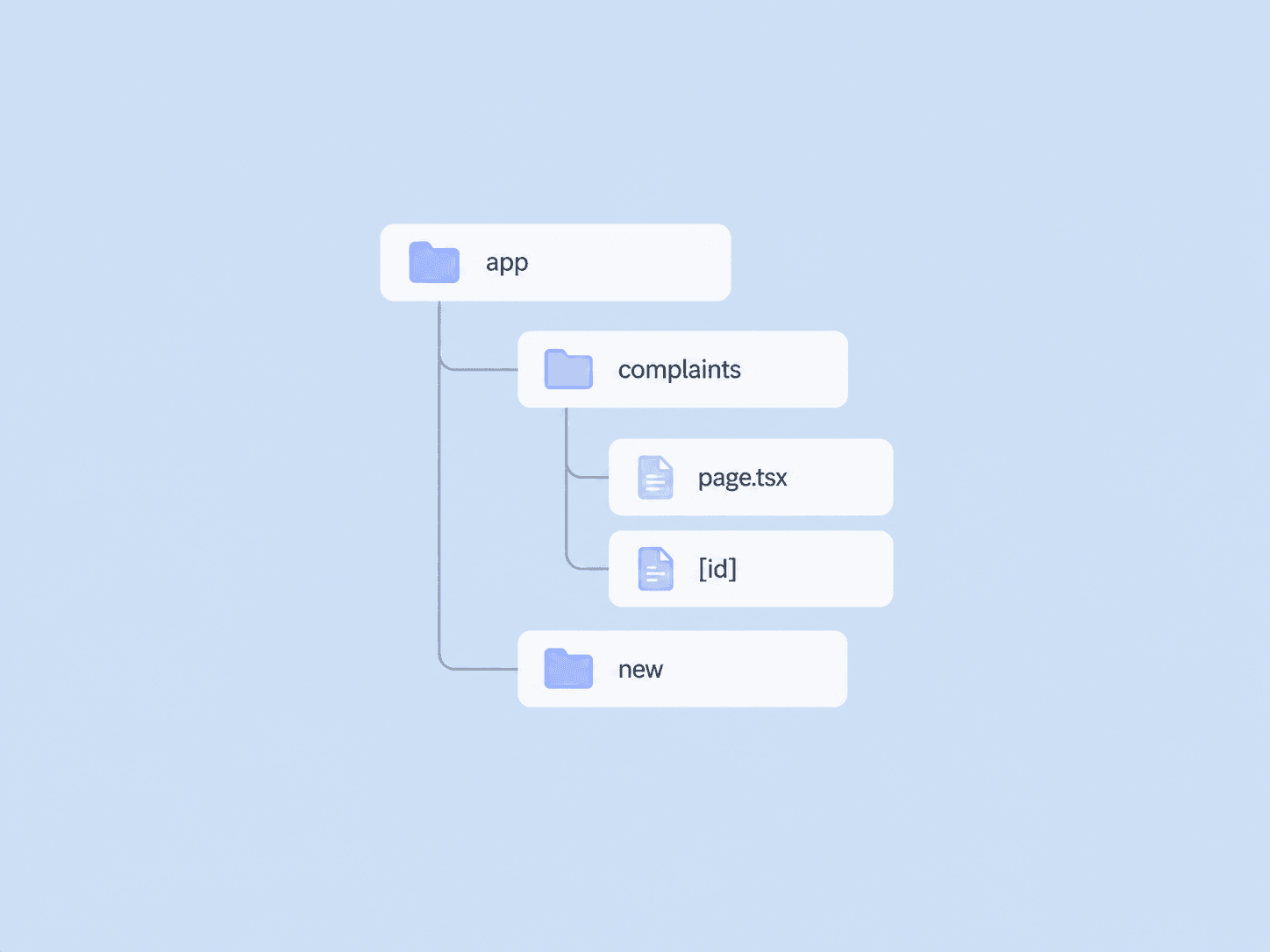
Instead of only reading documentation, I used the complaint management feature as a small practice case. I structured routes for the complaint list, individual complaint details, and creating a new complaint.
This helped make file-system routing much more concrete. With the App Router, folders define routes and page.tsx exposes the page for that route. Dynamic segments such as [id] then make it possible to build detail pages around individual resources.
Studying REST alongside routing also helped connect the frontend structure with server communication. A route such as /complaints/[id] represents a resource from the user interface perspective, while API methods such as GET, POST, PUT, and DELETE describe the actions performed on those resources.
What had initially felt like separate concepts started to fit together once I could see them operating inside the same feature. It reinforced something I still find useful: technical concepts become much easier to understand when I can connect them to an actual user flow.